For iPhone & iPad · €0.99
Time you
can see.
A calm, tactile countdown. A colored wedge shrinks as the minutes run down — no numbers to decode, no clutter. Just time, made visible.

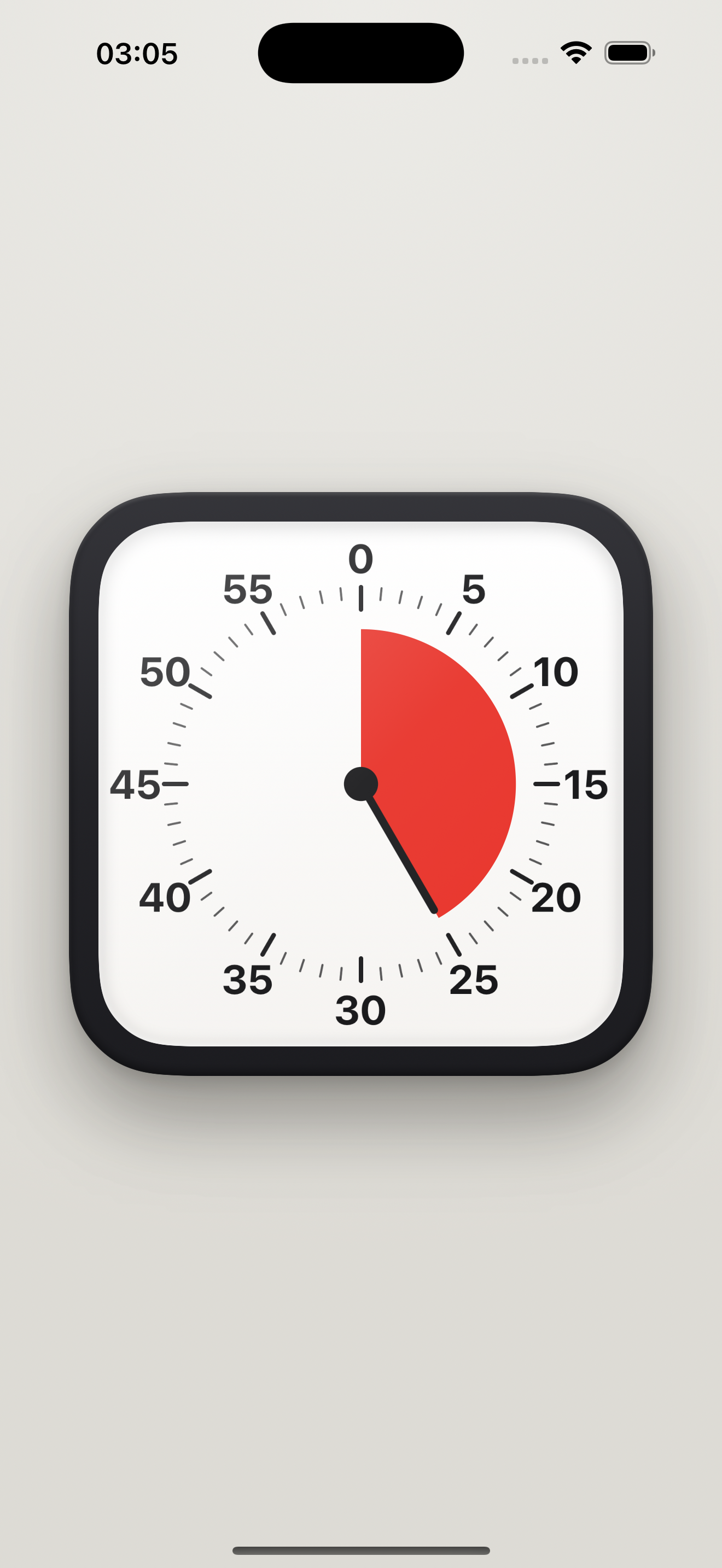
A calm, tactile countdown. A colored wedge shrinks as the minutes run down — no numbers to decode, no clutter. Just time, made visible.
A red disc retracts to zero so remaining time is obvious at a glance — perfect for focus, kids, and anyone who thinks better when time is visible.
Drag the dial or twist the knob to set the time — it ratchets with a click and a haptic tick, just like turning a real kitchen timer.
Long-press to flip through a desk of timers — Classic, Pastel, Glass, Flat, Midnight, Paper, Neumorph, and a glowing Halo ring. Pick your mood.
No account, no tracking, no data collected. It works entirely on your device and keeps real time even in your pocket.
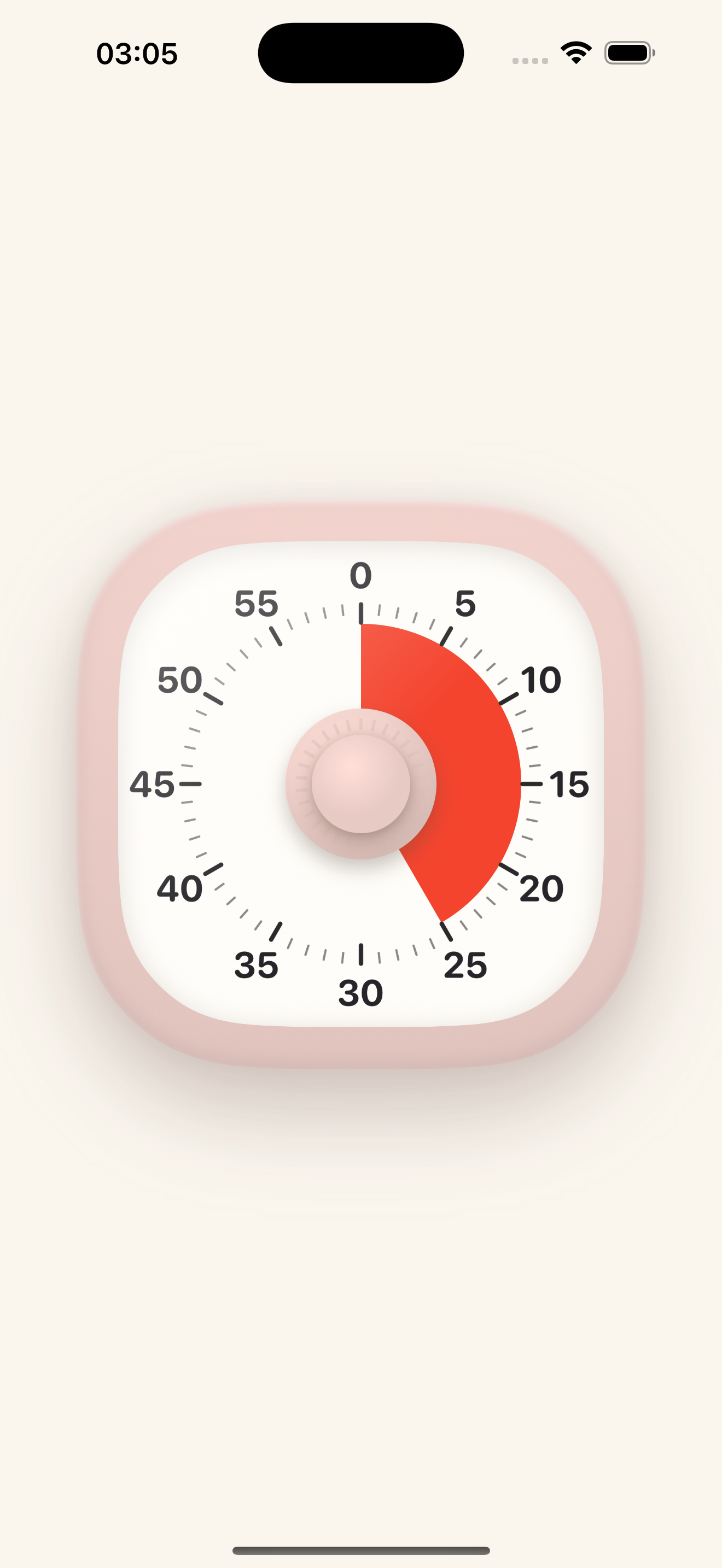
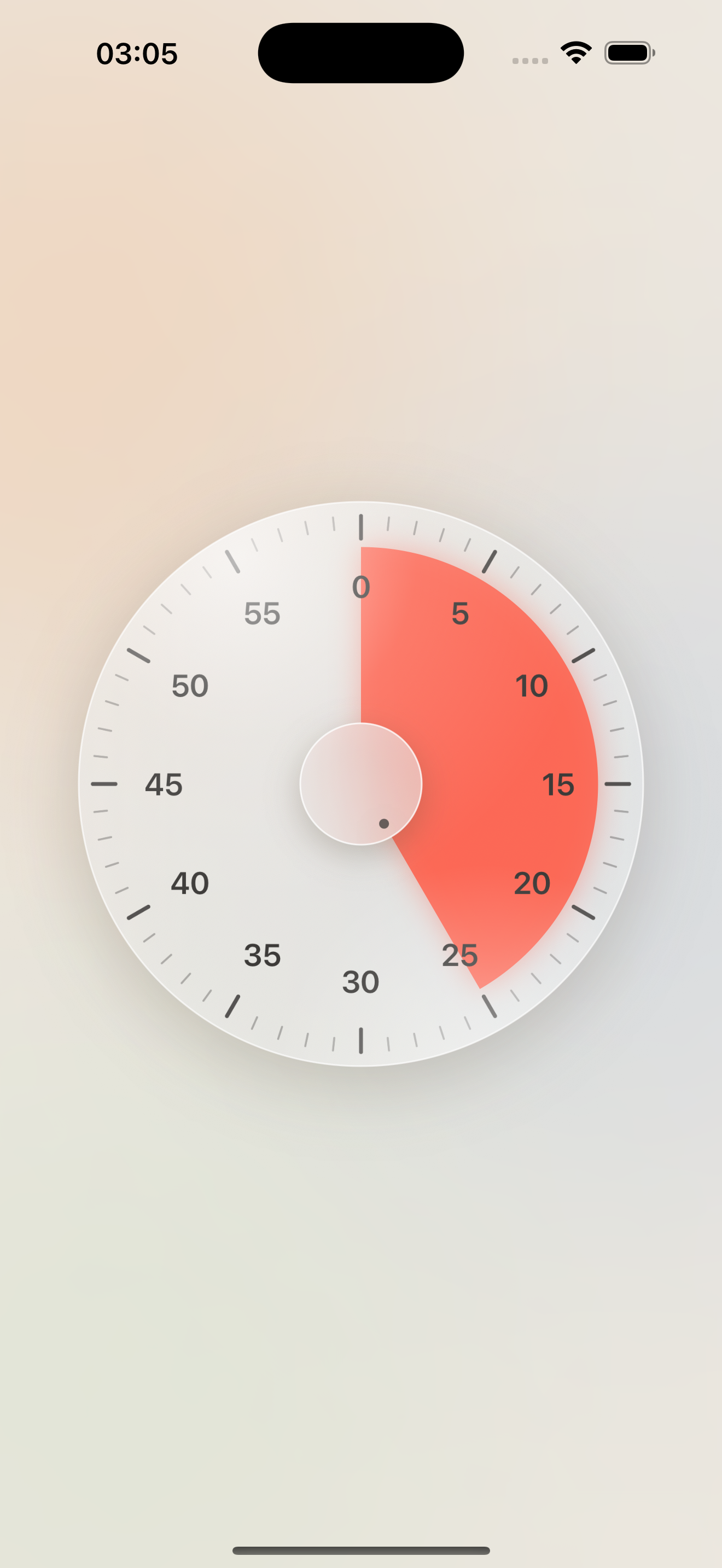
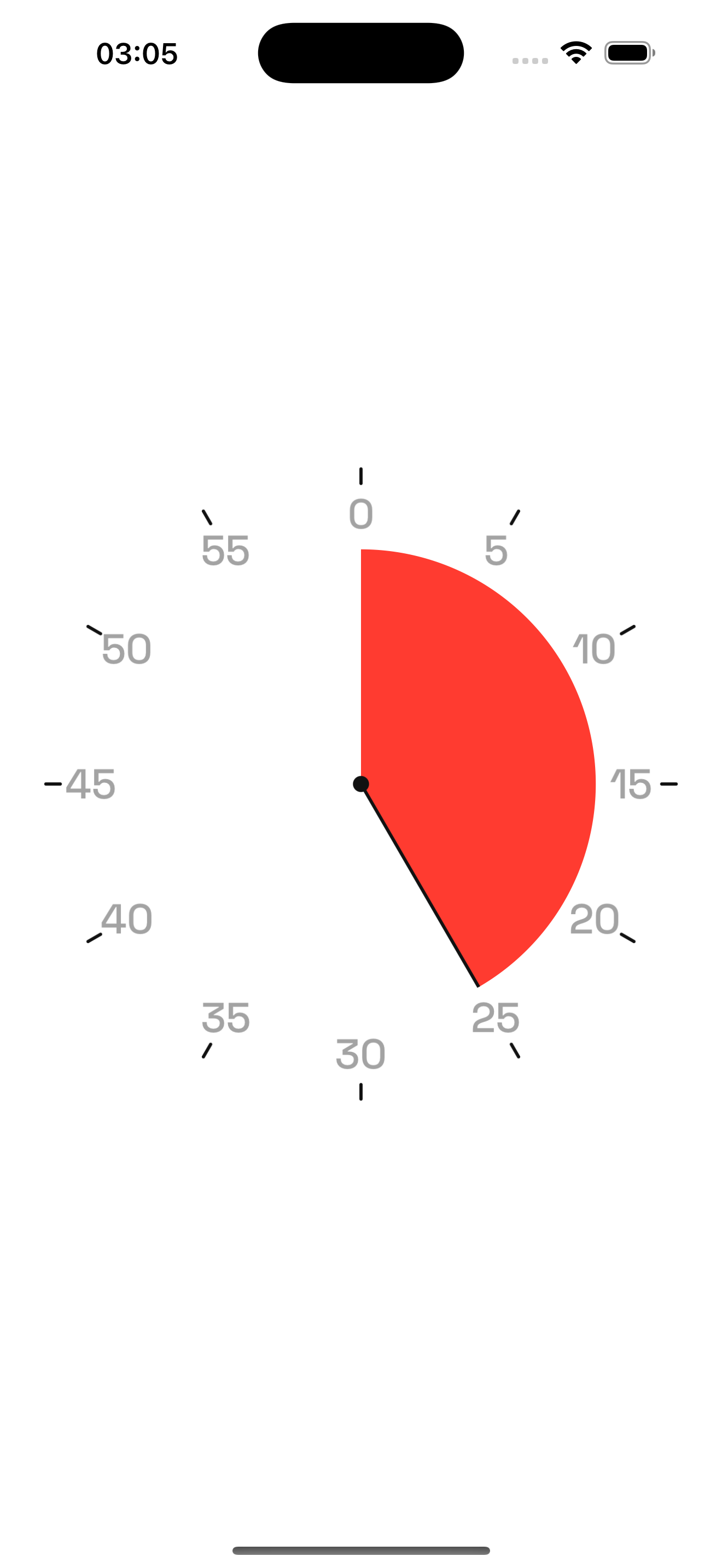
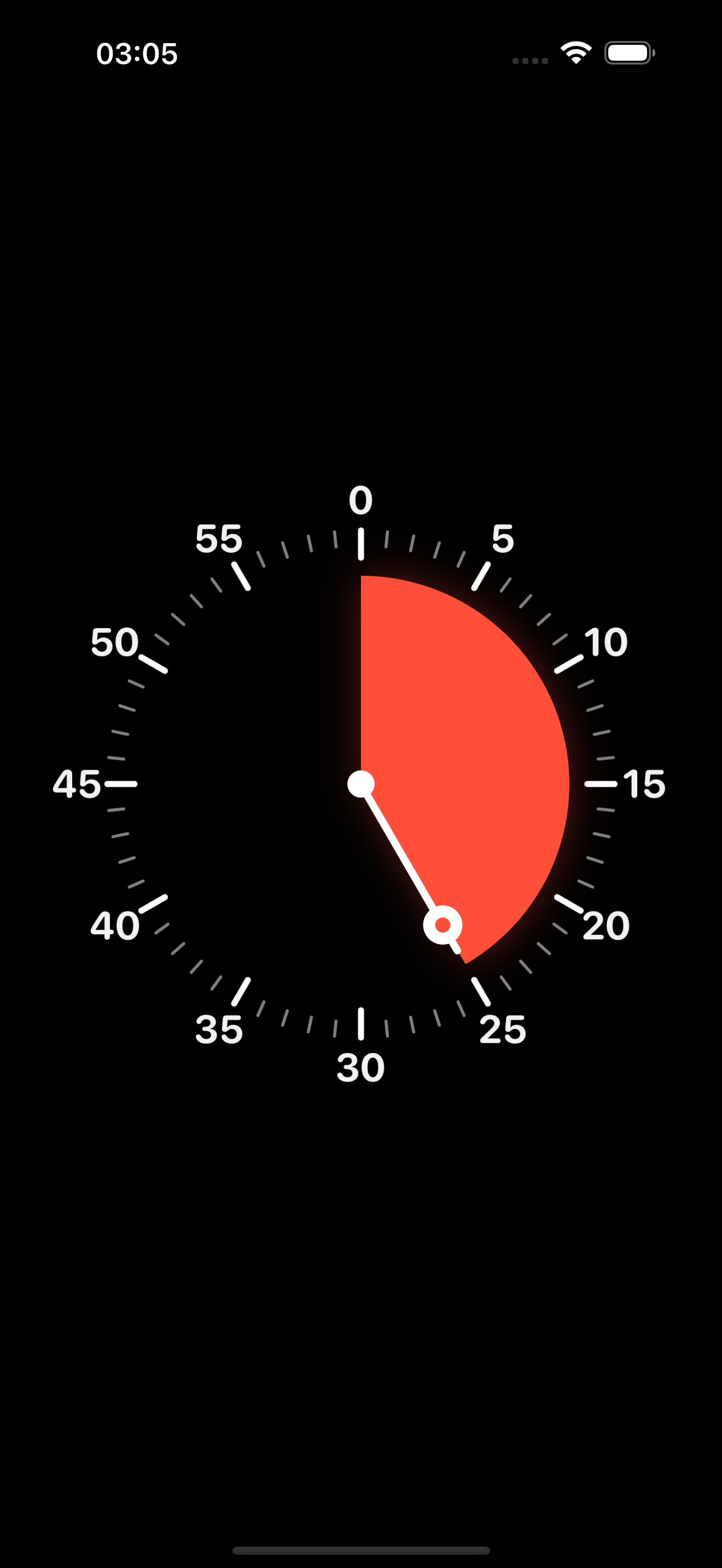
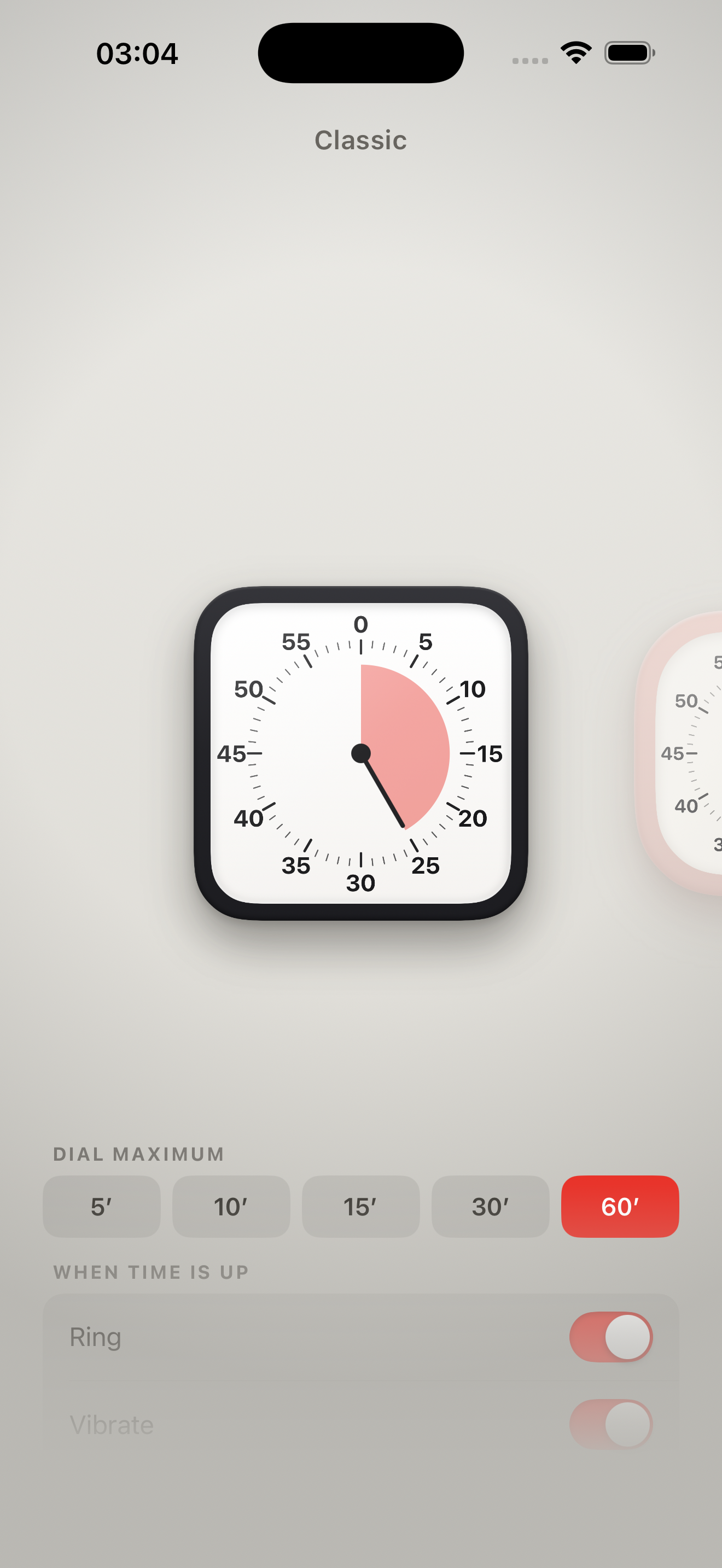
A visual timer shows time as a shrinking colored area instead of digits, so you can see how much time is left at a glance. Delightful Visual Timer brings that idea to iPhone and iPad — a red wedge retracts to zero across eight beautiful faces.
Many people with ADHD — and anyone doing focus or Pomodoro sessions — find a shrinking visual countdown easier to grasp than numbers. It makes time concrete, eases transitions, and cuts down on clock-watching.
Yes. A visible countdown helps children understand "how much longer" without reading a clock — great for routines, screen-time limits, homework, brushing teeth, and calm transitions.
Absolutely. Set 25 minutes (or any length up to 60), start, and the disc shrinks to zero. Pick a face that keeps you calm, and use the chime to mark each break.
Same at-a-glance idea, but on the iPhone or iPad you already have — eight faces, real haptics, custom durations, clockwise or counter-clockwise, and it keeps accurate time even in the background.
Drag anywhere on the dial (or twist the center knob on faces that have one) to set the minutes. Release and it starts. Tap once to pause or resume; tap again at zero to reset.
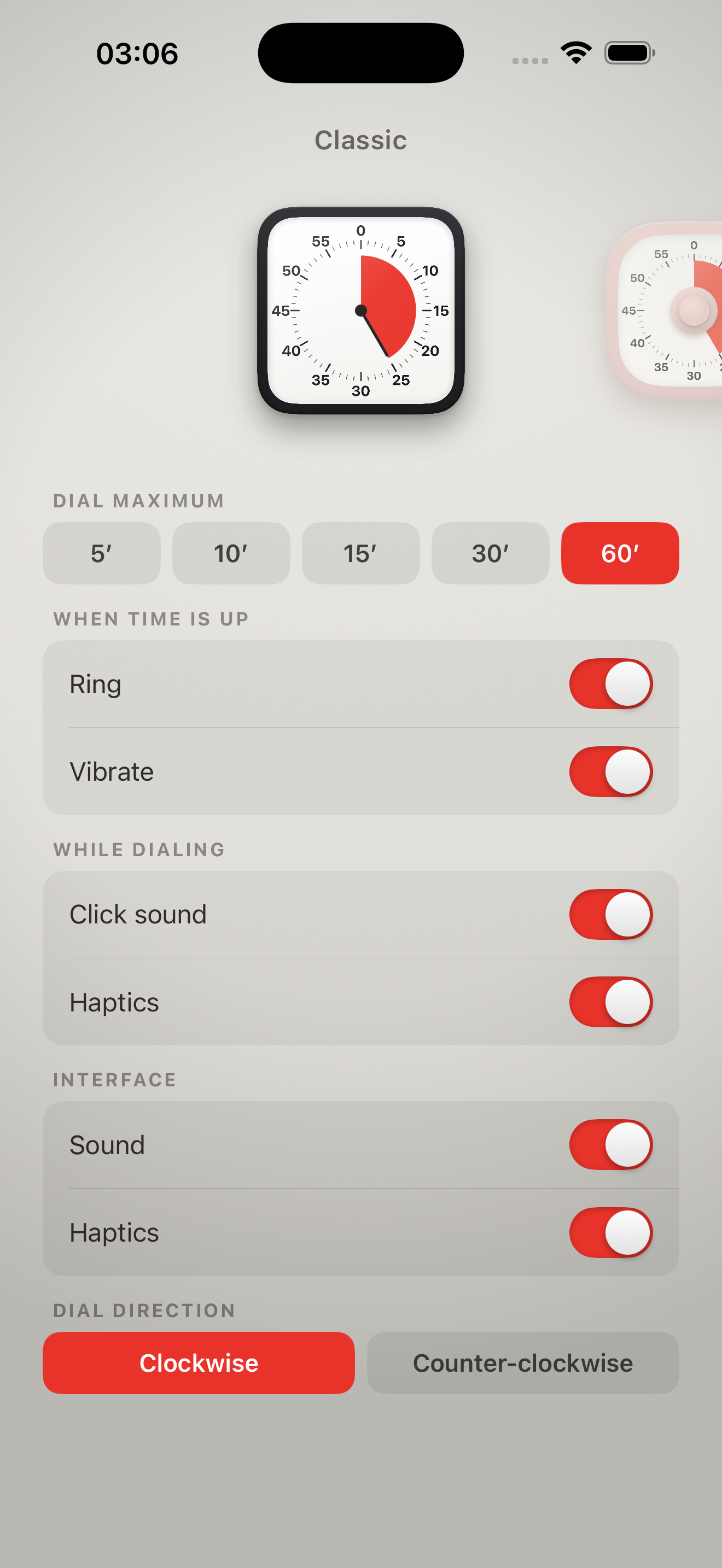
Press and hold the timer to lean back into a desk of faces — swipe to flip, tap to choose. In that view, pull up from the bottom for settings: dial maximum (5–60 min), direction, what happens at zero, and all sound & haptic options.
Everything runs on your device with no internet required. There's no account, no tracking, and no data collected of any kind. See our privacy policy.
A one-time €0.99 / $0.99 — no subscription, no ads, no in-app purchases. Runs on iPhone and iPad with iOS 18 or later.